


 English



Within our busy lives, we want more choices, more convenience, and have the ability to make financial transactions from any device. We want more online and mobile options to manage our finances on the go. Why not extend that same convenience to the younger generation?
Greenlight is the loved, trusted banking1 (mobile) app and debit card for kids and teens. Parents set flexible controls and get real-time notifications of their kids’ money activity, while kids can build financial knowledge through interactive tools like Level UpⓇ.

Choose a plan that fits your family, from a no-cost option to discounted premium plans.
Select2
- Debit Cards for up to 5 kids
- Chores and allowance
- Savings goals
- Level UpⓇ financial literacy game
Infinity Select
Everything on Select, plus:- Investing for kids and teens
- Family location sharing with place alerts3
- SOS alerts and crash detection3
- Driving reports and alerts3
Family Shield Select
Everything on Infinity Select plus:- Add up to 2 seniors
- Financial account monitoring and suspicious
- Activity alerts4
- Up to $100K deceptive transfer fraud coverage5
- Up to $1M identity theft coverage5
At Central Pacific Bank, we recognize that every family’s financial needs are different. That’s why we’ve expanded our Greenlight offering to include additional plan options — including two discounted premium plans in addition to the no-cost Select plan — giving you more flexibility to choose the tools that best support their household, whether it’s helping kids build smart money habits or helping protect and monitor the financial well-being of aging loved ones.
Learn more about Greenlight
Greenlight issued debit cards will be charged a CPB ATM surcharge fee when using a CPB ATM. This fee will be displayed on the ATM before you complete your transaction.
Real-time notifications
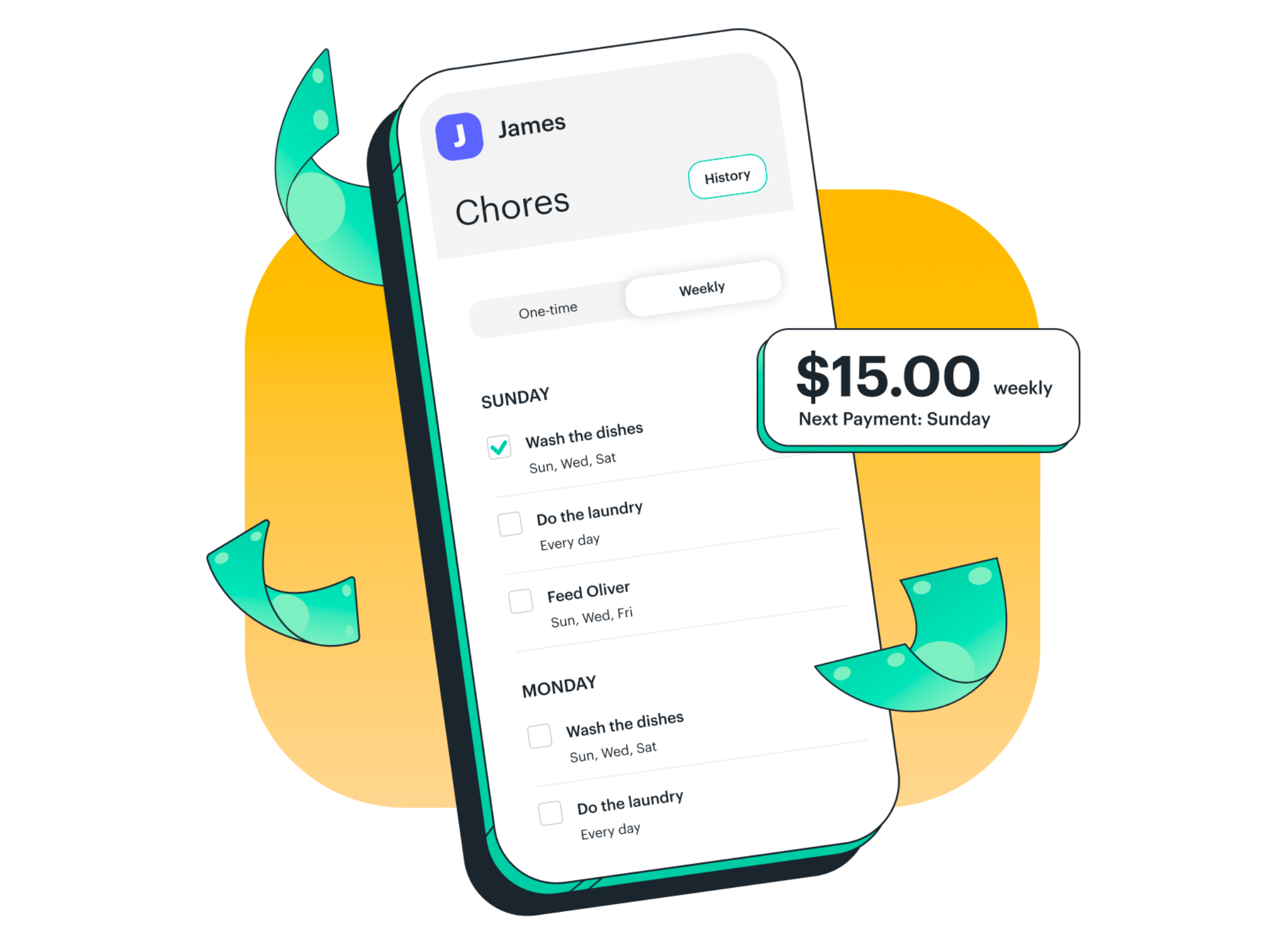
One app, two experiences. Kids and parents log in to the same Greenlight app but have two different experiences. Parents can send money instantly, set flexible controls, and receive real-time alerts while kids monitor their balances, set their own goals, and learn how to manage their money.
Flexible controls
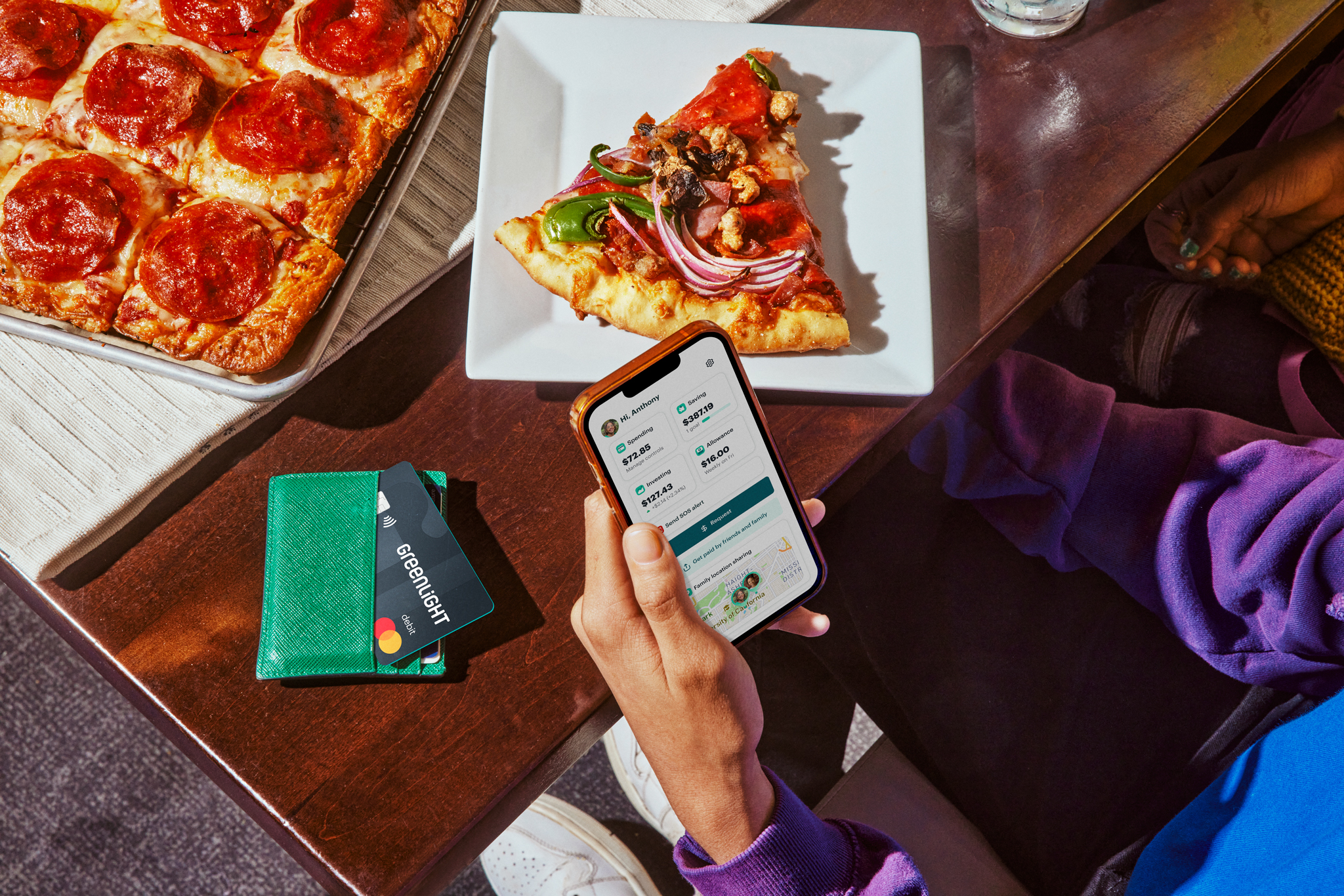
Set up parental controls on spending. Turn cards on or off from within the app. Feel confident knowing their card will automatically block unsafe spending categories, and that Greenlight’s support team is available 24/7. Greenlight debit cards are covered by Mastercard’s Zero Liability Protection and FDIC-insured up to $250,000.
Teach smart spending.
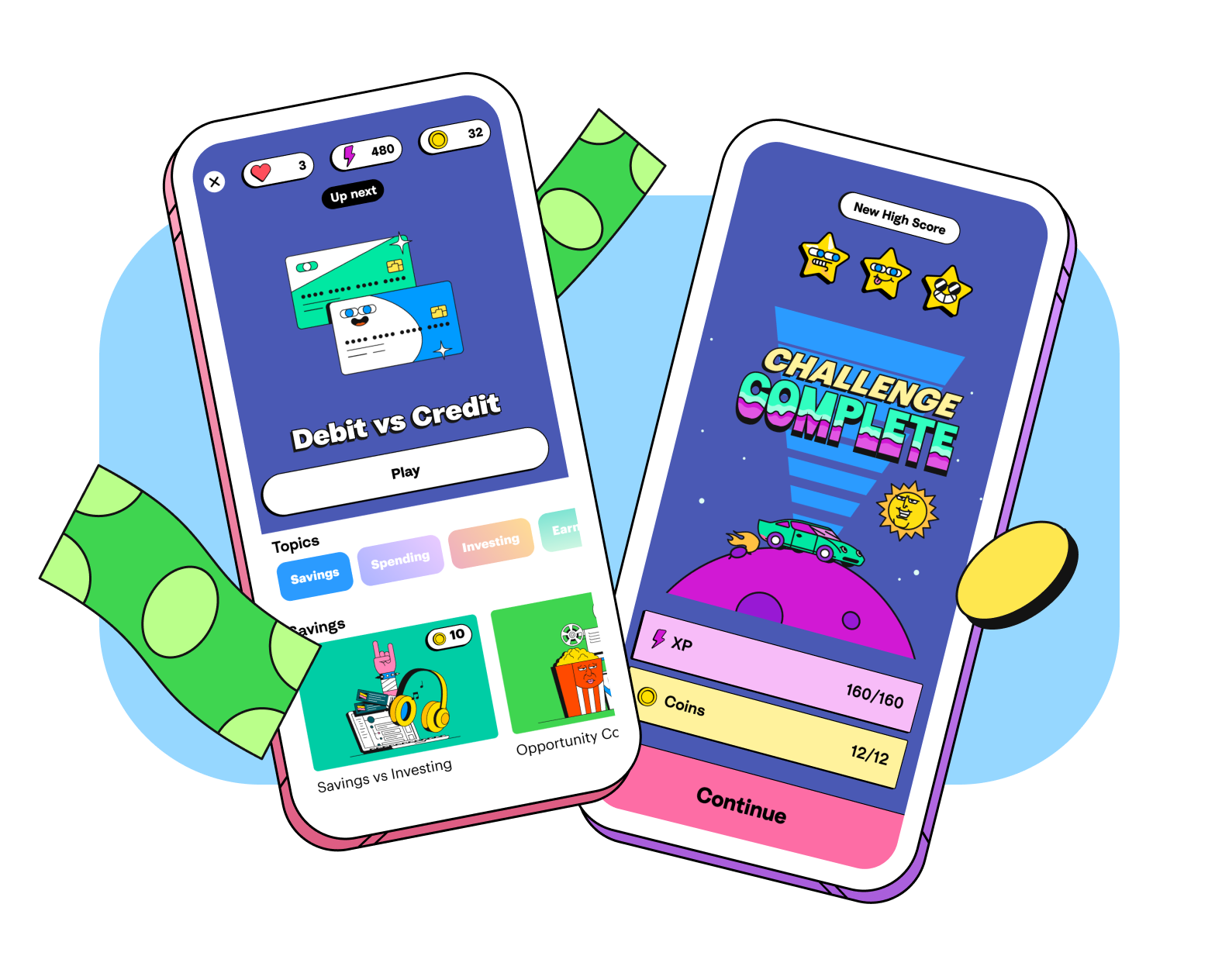
Make financial literacy fun by giving them access to hands-on learning — with videos, quizzes and other built-in lessons on how to earn, save, spend wisely, invest, and more. All plans include Level UpⓇ, Greenlight’s interactive financial learning experience.
FAQs
Please contact Greenlight Customer service by calling (888) 483-2645 or texting (404) 974-3024 and inform them you would like to be added to the Central Pacific Bank partnership program.
Yes! Once existing Greenlight customers add their Central Pacific Bank account as a funding source they can reach out to Greenlight customer service and request to be added to the Central Pacific Bank partnership program.
No, Greenlight is its own individual app, but within the Greenlight app you can send money to your child’s card, turn their card on/off, set up spending controls, allowance, chores and more.
We support kids and grownups of all ages. No minimum (or maximum) age here. The Primary must be at least 18 years old and a U.S. resident.
Greenlight is a debit card for kids, not a credit card. Parents load money onto the card from their own funding source connected through their Greenlight app. And because it’s a debit card, kids can’t spend what isn’t there. That’s a pretty valuable life lesson.
Kids and parents will both use the same Greenlight app you see in the app store, but have two different experiences and individual login credentials. Parents can set up their child’s login under the child’s profile settings.
Greenlight debit cards are FDIC-insured up to $250,000 and come with Mastercard’s Zero Liability Protection. Greenlight blocks ‘unsafe’ spending categories, sends real-time transaction notifications, lets parents turn cards off at any time, and gives parents flexible ATM and spending controls.
Yes, the Greenlight card can be used internationally in most countries, and there are no international fees or any foreign transaction fees! For a complete list of countries the card cannot be used click here.
After completing registration or requesting a replacement card, your debit card will arrive within 7-10 business days. If you would like to expedite your shipping for your card to arrive within 2-3 business days, you can call our customer service team at 888-483-2645 within 12 hours of signing up. You can request to have your shipping expedited for a one-time fee of $24.99.
Bank Account
If you are prompted to verify your Bank Account when manually adding your funding source, you will receive 2 small deposits of $1.00 or less in your bank account within 1-2 business days. To verify your bank account as a funding source, you will need to input the 2 micro deposit amounts into your Greenlight app when prompted to verify.
If you do not see these deposits within 3 business days, please contact Central Pacific Bank Customer Service Center at (808) 544-0500 and have them take a look at the status of your bank account. Once you complete verification, the 2 micro deposits will be removed from your bank account to offset the deposit amounts.
Debit Card
Once you add your debit card as a funding source and make your initial funding load, you should see 2 transactions on your debit card that add up to the initial load amount. You will need to confirm these transactions within 3 business days in the Greenlight app to verify your debit card.
If you do not see these transactions within 4 business days, please contact your banking service provider directly and have them take a look at the status of your bank account.
When your child's card arrives, follow these simple steps to activate it right away:
- Open your Greenlight app. From your Parent Dashboard, you should see a notification prompting you to activate your child’s card.
- Tap on the notification and input the card's expiration date in the app to activate it.
- Next, visit your child's dashboard by clicking their square at the top of your Parent Dashboard.
- Select "Manage Card" then "Set debit card PIN." After the PIN is set, your physical card is activated and ready to use!
We have made it super easy to check your child's spending history.
- Navigate to your child's dashboard.
- Click on the Spending tile.
- At the top right, click on "History."
You then have the ability to filter the view to see spending history for the last 30 days, 90 days, or 12 months as well as grouping transactions by stores.
Please immediately contact Greenlight Customer service by calling (888) 483-2645 and inform GreenLight of the unauthorized transaction(s). See the Greenlight | Cardholder Agreement under “Your Liability for Unauthorized Transfers” for more details.
Disclosures:
1Greenlight is a financial technology company, not a bank. The Greenlight app facilitates banking services through Community Federal Savings Bank (CFSB), Member FDIC.
2Central Pacific Bank customers are eligible for the Greenlight SELECT plan at no cost when they connect their Central Pacific Bank account as the Greenlight funding source for the entirety of the promotion. Account holders may also choose to upgrade to one of Greenlight’s Partner premium plans: Infinity Select or Family Shield Select, and will receive a $5.99 monthly discount on either plan when they connect an eligible account as their Greenlight funding source. Subject to minimum balance requirements and identity verification. Upgrades will result in additional fees. Upon termination of promotion, customers will be responsible for associated monthly fees. See terms for details. Offer ends 08/05/2026. Offer subject to change and partner participation.
3Requires mobile data or a WiFi connection, and access to sensory and motion data from cell phone to utilize safety features including family location sharing and driving alerts and reports. Messaging and data rates and other terms may apply.
4Premium monitoring services are offered by Experian.
5Insurance offered by Acrisure, LLC is provided by ACE American Insurance Company and its U.S.-based Chubb underwriting company affiliates. www.chubb.com. Additional details can be viewed here. See link for policy information. Insurance Products are not insured by the FDIC or any federal government agency and are not a deposit or other obligation of, or guaranteed by, any bank or bank affiliate.
6Greenlight customers must reside in the United States (excluding U.S. territories) and have a valid U.S. address (P.O. Boxes not allowed)
© 2026 Greenlight Financial Technology, Inc. Patents Pending. The Greenlight card is issued by Community Federal Savings Bank, member FDIC, pursuant to license by Mastercard International.
See Terms of Service for details.